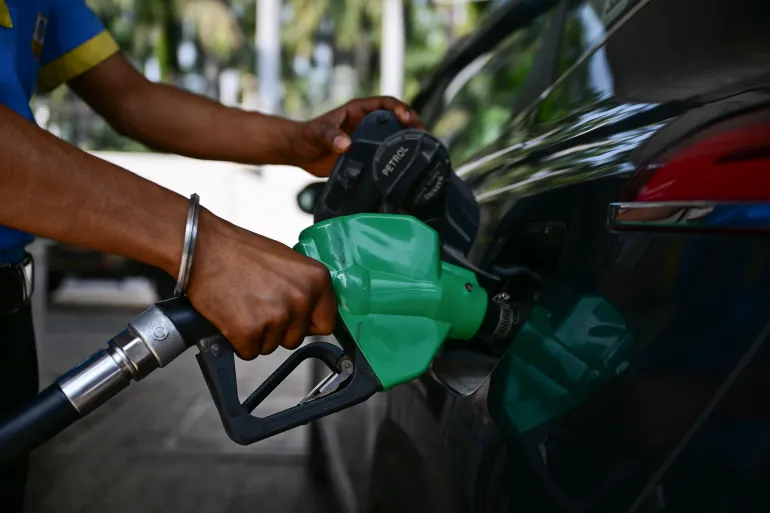
Sri Lanka introduced the National Fuel Pass QR system to manage fuel distribution across the country and reduce long queues at petrol stations. Instead of waiting in line for hours, vehicle owners can now obtain fuel using a QR code linked to their vehicle registration number.
This guide explains how the Sri Lanka fuel QR system works, how to access your QR code, and what to do if you bought a second-hand vehicle that is already registered in the system.
The National Fuel Pass is a government system that assigns a unique QR code to each registered vehicle. Fuel stations scan this code to verify the vehicle’s weekly fuel quota.
Visit the National Fuel Pass portal and select Vehicle Login. If your vehicle number has not changed, your existing QR code may already be available.
The system will ask for the mobile number used during registration. An OTP verification code will be sent to confirm access.
After logging in you can:
Many Sri Lankans face an issue when they buy a second-hand vehicle. Because the fuel QR system is tied to the vehicle number, the vehicle may still be linked to the previous owner's phone number.
This prevents the new owner from creating a new Fuel Pass account.
The easiest solution is to contact the previous owner and request the OTP verification.
Once deleted, the new owner can register the vehicle again.
The government has indicated that inactive or outdated vehicle profiles may be removed in future system updates. However, this process may take time.
The Sri Lanka Fuel QR system is a major step towards digital fuel management and eliminating long queues. While the system works well for most vehicle owners, second-hand vehicle buyers may face temporary registration issues.
Until system updates are introduced, contacting the previous owner or waiting for profile cleanup are the available solutions.